Removal requestsCollect caller name, callback number and the person's location, then contact the on-call director immediately.
Mortuary Answering Service for Removal Requests
Our mortuary answering service takes a caller's name, callback number and the person's location, then reaches the on-call director at once for removal requests and other death reports, before further intake. Try the browser demo to hear how it handles a removal request.
Hear how it handles a first call
Get startedFree trial: 14 days, up to 100 minutes (on request)
What your mortuary line can handle
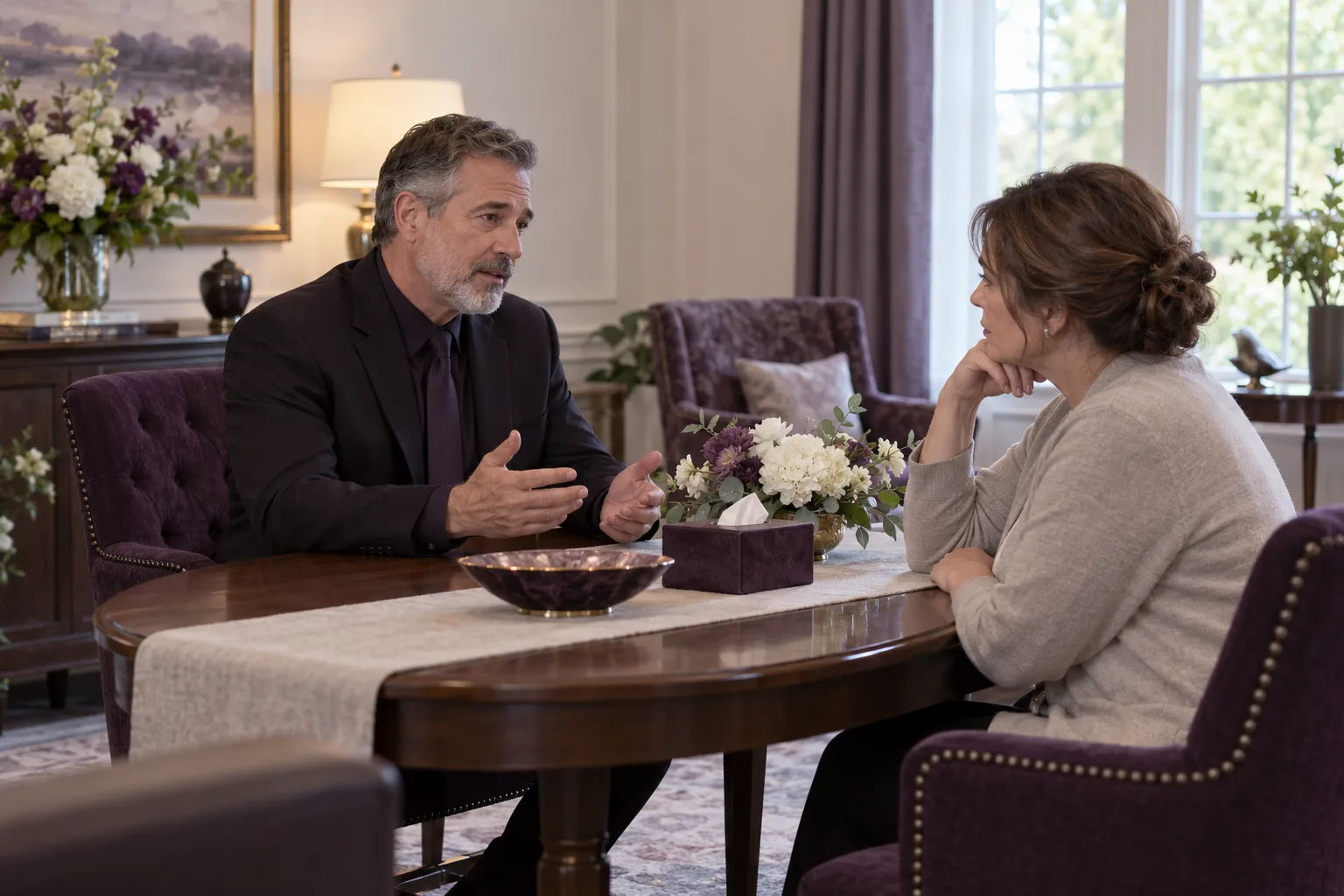
Your mortuary line receives removal requests, facility messages and family inquiries through one receptionist. Any death report prompts director contact at once after caller name, callback number and the person's location, before further intake.
Facility messagesCapture who is calling, where they are and how to reach them.
Family inquiriesAnswer routine questions from your business information or collect a message for your callback.
Read more
Your receptionist handles the conversation at the point a caller reaches your mortuary. We learn your services, service area, hours and urgent-call rules through your website and an onboarding chat. Include what your business does not offer so callers receive answers grounded in your instructions.
A removal request needs clear information for the person responsible for responding. A family asking about service times may need an answer from your supplied details. A caller asking something outside that information can leave a message for your team.
The AI introduces itself as a virtual assistant and gives a recording notice. Listen to a sample intake conversation to assess whether the pace and questions fit your line.
Removal requests: collect the details your team needs
For removal requests, your receptionist takes the caller's name, callback number and where the person is, then reaches the on-call director at once before further intake. Your questions guide the remaining details recorded in the message.
Read more
For removal requests and other death reports, your receptionist takes the caller's name, callback number and where the person is, then reaches the on-call director at once. It uses a warm transfer if your routing allows it, or a page if not or if the transfer is unanswered, before finishing intake. During onboarding, specify extra questions, such as the deceased person's name and facility contact.
You can ask for caller-provided access information that helps your team understand the location. The receptionist records those answers; your team checks the details and decides the next action. It does not assign a vehicle, confirm a removal or promise an arrival time.
Use your test call to see whether the resulting summary is useful for a removal request. Adjust the intake questions in plain words through the dashboard if an important detail is missing.
Different questions for facilities and families
Facility and family calls need calm intake. Any death report, including removal requests, prompts caller name, callback number and the person's location, then immediate on-call director contact before further intake. Your instructions guide extra questions for each.
Facility contactAsk for the organization, caller's role and number your team should return.
Family contactCollect the caller's name and request without adding a sales discussion.
Language choiceCallers can speak English or Spanish and switch languages during the conversation.
Read more
The extra questions should match the caller. After director contact, intake can ask a facility caller for the organization, contact's role and location they want your team to discuss.
On any death report, including removal requests from families, hospice, hospitals or care facilities, your receptionist takes the caller's name, callback number and where the person is, then reaches the on-call director at once: warm transfer if routing allows, a page otherwise or if unanswered. Only then does it finish intake. It leaves decisions about arrangements to your staff and does not introduce upgrades.
You supply the information used to answer routine questions. If a caller asks for a detail outside that information, your receptionist takes a message rather than inventing an answer. Your team can then return the call with the needed context.
Pass urgent requests to the removal team's contact
Your receptionist pages or offers a warm transfer to the on-call contact you designate for urgent requests. Your staff handle dispatch decisions after receiving the caller's details.
Read more
The handoff reaches the person you have chosen to assess an urgent request. Set that person's number, any backup contacts and the order your receptionist should use. You set contact order and backups; a death report or removal request reaches the director at once by warm transfer if routing allows, or a page otherwise or if unanswered.
A warm transfer lets the recipient hear a short summary before accepting the call. The person taking it can then confirm the request, ask further questions and decide how to respond. The receptionist's role is intake and contact, while dispatch stays with your team.
Run a test with your intended recipient before live forwarding begins. The on-call routing details can help you prepare the contact instructions and backup order you want to test.
Records and recordings for reviewing a request
Each call produces a summary, urgency tag, transcript and recording, available through your dashboard and call alerts. You can check the caller's wording before your team follows up.
Call alertsReceive the call information by email and app push notification after each call.
Original wordingUse the transcript and recording to review an address or request.
Daily reviewRead the digest email and open dashboard records when a request needs attention.
Read more
The written summary gives your team a starting point for reviewing a request. Open the transcript or recording when you need to hear how the caller described a location, named a facility or explained what they were asking for. Check details that affect your response before acting on them.
You choose a recording retention period of 30 or 90 days. Transcripts and summaries remain while your account is open and are deleted within 30 days after closure or on request. We do not sell callers' personal information or use it for our own marketing.
Email and app push notifications carry call alerts, with a separate daily digest email. Read how caller information is handled when setting your team's review process.
Choose all-call, overflow or after-hours coverage
You can forward all calls, busy calls, unanswered calls or after-hours calls to your receptionist. The right option depends on when your staff want help answering the mortuary line.
Read more
Your forwarding choice determines which calls reach the AI receptionist. If your staff answer during the day, after-hours forwarding can cover the line when the office closes. Busy or no-answer forwarding can take requests when staff cannot pick up, while all-call forwarding routes incoming calls to the receptionist.
Keeping calls with your own staff lets callers speak with people who know your operation directly. You can use forwarding to add coverage where you need it. We provide a local number, a carrier or phone-system guide and a test call before going live.
Use the free trial request for your mortuary to arrange a trial for configuring your business details and chosen forwarding option. A card is required before your forwarded calls go live.
FAQ
Can the AI receptionist take a removal request?
Yes. For removal requests, it takes caller name, callback number and where the person is, then reaches your on-call director at once, before further intake: warm transfer if routing allows, a page otherwise or if unanswered. Your team assesses the request and handles dispatch. The receptionist does not confirm that a vehicle is assigned or give an arrival time.
What happens when a facility asks for details it does not know?
Your receptionist answers using the business information you provide. When that information does not cover the question, it takes the caller's details and a message for your team. Staff can review the transcript and recording before returning the call to clarify the request.
Can it transfer an urgent request to our on-call person?
Yes. Your on-call person can hear a brief summary and press 1 to accept a warm transfer. Any death report, including removal requests, prompts director contact at once after caller name, callback number and location, before further intake: warm transfer if routing allows, a page otherwise or if unanswered. Your settings define contact order, backups and extra questions. Test that route before forwarding business calls.
Does it speak Spanish with families and facility callers?
Yes. Your receptionist speaks English and Spanish, and callers can change language during the same call. Your information guides answers; your settings define contact order, backups and extra questions. Death reports prompt director contact at once after caller name, callback number and location, before further intake. Try a fictional request in the demo to hear the conversation before setting up your own line.
How do we receive messages and review recordings?
Call alerts arrive by email and app push notification with a summary, urgency tag, transcript and recording. Your dashboard also holds call records, usage and settings. A daily digest email helps with later review, while individual alerts provide the details for each call.
Can we hear it before starting a paid subscription?
You can use the browser demo without signing up. When trials become available, you will get 14 days and up to 100 minutes free. Use fictional details in the demo. Setup includes your intake instructions and a test call; a card is required before live forwarding begins.
Can we cancel if the coverage does not suit our line?
Yes. The subscription is month to month, and you can cancel online in one click. Cancellation takes effect at the end of the paid month. Keep your backup number or voicemail current: if your plan lapses, calls go there as the fallback.
Try a removal request in the browser demo
Try a fictional removal request in the browser demo. Request a free trial to set your questions, choose the urgent-call contact and test forwarding on your own line.