Caller detailsCollect the caller's name, callback number and reason for contacting your home.
Funeral Directors Answering Service for On-Call Coverage
Our funeral directors answering service takes first-call details and reaches your on-call person using the order you set. Try the browser demo to hear how your receptionist handles a family calling about a death.
Hear how it handles a first call
Get startedFree trial: 14 days, up to 100 minutes (on request)
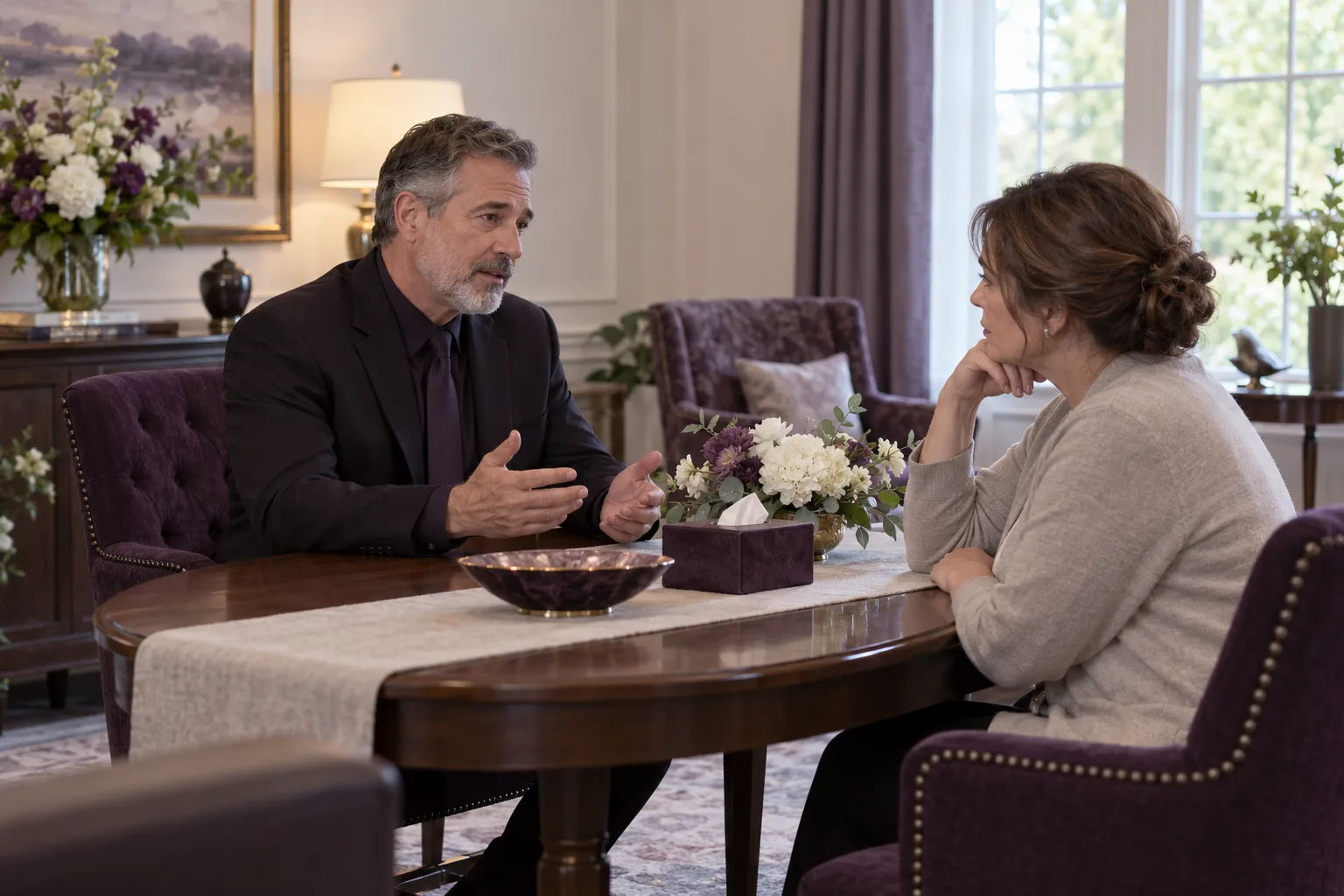
What your on-call director receives from a call
Your on-call director receives a call summary, an urgency tag, a transcript and a recording. We use your intake questions to give that message the context your director needs.
Urgency contextDeath reports, including removal requests, reach the director at once by warm transfer or page.
Call recordSend the summary, transcript and recording by email and app push notification.
Read more
Your director gets a written account of the request alongside the original conversation. During onboarding, tell us which details help them return a call prepared: who called, where the death occurred and how to reach the person waiting for a response.
Your receptionist answers as your business, identifying itself as a virtual assistant and saying the call is recorded. Any death report, including removal requests, starts with caller name, callback number and the person's location, then on-call director contact at once: warm transfer if routing allows, a page otherwise or if unanswered. Only then does intake continue; a service-time question can be answered from the information you provide.
Review the summary against the transcript when a detail needs checking. The AI can make mistakes, so your director still reviews the message before acting.
Set your paging order and backup directors
You choose the on-call contact, backup contacts and the order used for urgent calls. Your receptionist can page them or offer a warm transfer using those instructions.
Read more
Your paging instructions define who your receptionist contacts first and which backup comes next. Give us the names, numbers and order during the onboarding chat, together with your definition of an urgent call.
With a warm transfer, the director hears a brief summary before pressing 1 to take the conversation. On a first call reporting a death, your receptionist takes the caller's name, callback number and where the person is, then reaches the on-call director at once: a warm transfer if your routing allows it, a page if it does not or the transfer is not answered. It never finishes the rest of the intake first.
When your on-call responsibility changes, tell the AI the new instructions in plain words through your dashboard settings. Make a test call to check the route before relying on it. Read the setup and test-call steps while preparing your contact order.
The details collected on a first call
After caller name, callback number and location, any death report, including removal requests, reaches the on-call director at once: warm transfer if routing allows, page otherwise or if unanswered; only then does your receptionist ask the remaining questions.
Person callingAsk for the caller's name, callback number and the person's location.
Director contactReach your on-call director at once: warm transfer if routing allows; page otherwise or if unanswered.
Further detailsOnly then ask relationship to the deceased, facility information and what the caller needs.
Read more
A first-call message brings together the caller's contact information, the location and the request for your director. You set the intake questions, including which details you want from a family member and which you want from a facility contact.
For example, a caller reporting a death at home might provide their name, a callback number and an address. Your receptionist takes those details with care and reaches the director at once by warm transfer if routing allows, or a page otherwise or if unanswered. Only then does it ask the deceased person's name and other details. It does not turn that conversation into a sales discussion or offer upgrades.
The director handles decisions about arrangements and next steps. Explore the first-call intake process to consider which questions belong in your instructions.
Calls from hospice, hospitals and medical examiners
Your receptionist takes routine hospice, hospital and medical examiner messages using your instructions. Any death report, including removal requests, prompts caller name, callback number and the person's location, then immediate on-call director contact before further intake.
Read more
For routine facility messages, callers can leave their contact details and the request they need your director to address. Configure extra questions around your funeral home's response, such as the facility name and caller's role.
Any death report, including removal requests from families, hospice, hospitals or care facilities, starts with caller name, callback number and the person's location, then on-call director contact at once: warm transfer if routing allows, a page otherwise or if unanswered. Extra questions follow director contact. Other hospital inquiries can become messages; your urgency instructions set routing for other urgent calls.
The receptionist takes funeral-service messages; it does not provide medical advice. Your director confirms any details or decisions needed before proceeding. Use a fictional hospice call in the demo to hear the intake tone and the questions asked.
Answering on nights, weekends and holidays
Your receptionist answers day and night once your number forwards to it, including weekends and holidays. You decide whether it receives all calls or only selected overflow and after-hours calls.
After-hours callsForward calls outside your office hours using the carrier or phone-system guide.
Busy periodsChoose busy or no-answer forwarding when your staff need help taking calls.
Holiday contactsUpdate the on-call instructions so urgent requests follow your chosen contact order.
Read more
Coverage follows the calls you forward, so you can keep daytime answering with your staff and send after-hours calls to your receptionist. Busy and no-answer forwarding are also options when you want help while staff are speaking with families.
Before a holiday or weekend change, review who receives urgent calls and what callers should hear about your hours. You can update settings by telling the AI what has changed. Keep your backup contact details current as part of that review.
Your dashboard holds the call records, and a daily digest email gives you another way to review activity. Individual call alerts arrive by email and app push notification, so you can read the request without waiting for the digest.
Choose a service by testing the director handoff
Choose an answering service for funeral directors by hearing its first-call intake and checking its handoff process. Our browser demo lets you assess the conversation before requesting a free trial.
Read more
The most useful test is a call that resembles the requests your director actually receives. In the browser demo, describe a fictional death at home or a hospice call, then listen to the questions and pace. No signup is needed for the demo.
Your own staff bring knowledge of your families and local working relationships. A live answering service offers a person to speak with. Our AI receptionist follows the business information and instructions you provide, with a disclosed virtual-assistant greeting.
If that approach suits your home, request a free trial to check your own intake and contact order. Try a director-focused demo call, then request your funeral home's free trial to configure and test your forwarding before it goes live.
FAQ
Will it handle a family's first call with care?
Your receptionist uses a calm, unhurried tone. Any death report, including removal requests, starts with caller name, callback number and the person's location, then on-call director contact at once, before further intake: warm transfer if routing allows, a page otherwise or if unanswered. It does not upsell during first calls. Try the fictional death-at-home scenario in the browser demo to hear the approach.
How fast does it reach the on-call director?
On a first call reporting a death, your receptionist takes the caller's name, callback number and where the person is, then reaches your on-call director at once, before completing intake: a warm transfer if routing allows, a page if not or if unanswered. You set the contact order and backups. Reaching a person depends on availability, so test the route during setup.
Can urgent calls transfer directly to me?
Yes. With a warm transfer, you hear a short summary before pressing 1 to accept the conversation. Tell us which requests are urgent and who receives them first. First calls reporting a death reach the director at once after the initial details, before further intake: warm transfer if routing allows, a page otherwise or if unanswered. You set the contact order and backups.
Will families know the receptionist is AI, and are calls recorded?
Your receptionist identifies itself as a virtual assistant and tells the caller the call is recorded at the start of the conversation. Both notices stay on. You receive the transcript and recording with the call information, so you can review what was said.
Can we keep our funeral home's phone number?
Yes. You forward your existing business number to the local number we provide. Choose all-call forwarding or send only busy, unanswered or after-hours calls. We provide a guide for your carrier or phone system and include a test call before you go live.
Will it answer questions about prices or pre-need planning?
It answers price questions only from the General Price List you provide and does not invent amounts. For pre-need inquiries, it can take the person's details for your callback or book an appointment into Google Calendar. You define the services and price policy it uses.
Can I try it before forwarding our calls?
Yes. Start with the browser demo without signing up, using fictional caller details. Request a free trial for 14 days, capped at 100 minutes, to try your setup. A card is required before forwarding goes live, and you make a test call first.
Try a first call before choosing your coverage
Open the browser demo and try a fictional first call. Request a free trial to set your intake questions and on-call contact order.